YACReader - Comic Reader

Entertainment • Updated 4 years ago

Download from App Store
Version 3.20.0 • Requires iOS 11.0 or newer

Created by:

Luis Ángel San Martín

Price-Log

Current Price: $3.99
  • πŸ˜• Increase from $2.99 to $3.99
    4 years ago

Change-Log

Current Version: 3.20.0
  • πŸ”ƒ Updated to v3.19.0
    4 years ago
  • πŸ”ƒ Updated to v3.18.1
    4 years ago
  • πŸ”ƒ Updated to v3.18.0
    4 years ago
  • πŸ”ƒ Updated to v3.17.1
    4 years ago
  • πŸ”ƒ Updated to v3.17.0
    4 years ago
  • πŸ”ƒ Updated to v3.16.3
    4 years ago
  • πŸ”ƒ Updated to v3.16.2
    4 years ago
  • πŸ”ƒ Updated to v3.15.0
    4 years ago
  • πŸ”ƒ Updated to v3.14.1
    5 years ago
  • πŸ”ƒ Updated to v3.14.0
    5 years ago
  • πŸ”ƒ Updated to v3.13.0
    5 years ago
  • πŸ”ƒ Updated to v3.10.1
    5 years ago
  • πŸ”ƒ Updated to v3.10.0
    5 years ago
  • πŸ”ƒ Updated to v3.9.3
    5 years ago
  • πŸ”ƒ Updated to v3.9.2
    6 years ago
  • πŸ”ƒ Updated to v3.9.1
    6 years ago
  • πŸ”ƒ Updated to v3.9.0
    6 years ago
  • πŸ”ƒ Updated to v3.8.4
    6 years ago
  • πŸ”ƒ Updated to v3.8.3
    6 years ago
  • πŸ”ƒ Updated to v3.8.2
    6 years ago
  • πŸ”ƒ Updated to v3.8.1
    6 years ago
  • πŸ”ƒ Updated to v3.8.0
    6 years ago
  • πŸ”ƒ Updated to v3.7.0
    6 years ago
  • πŸ”ƒ Updated to v3.3.2
    6 years ago
  • πŸ”ƒ Updated to v3.3.1
    7 years ago
  • πŸ”ƒ Updated to v3.3.0
    7 years ago
  • πŸ”ƒ Updated to v3.2.5
    7 years ago
  • πŸ”ƒ Updated to v3.2.0
    7 years ago
  • πŸ”ƒ Updated to v3.1.0
    7 years ago
  • πŸ”ƒ Updated to v3.0.1
    7 years ago
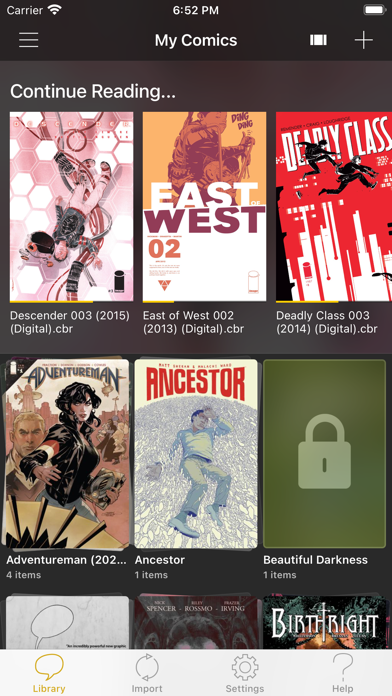
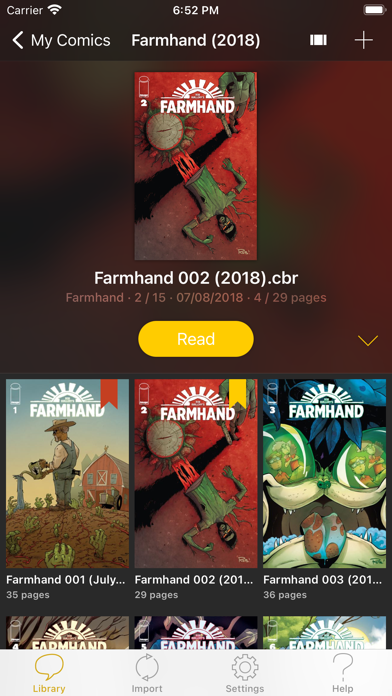
YACReader offers you the best way to read and manage your digital comics. Enjoy your collections of digital comics anywhere. YACReader supports all the common digital comic formats, such as: cbz, cbr, zip, rar, rar5 or pdf.

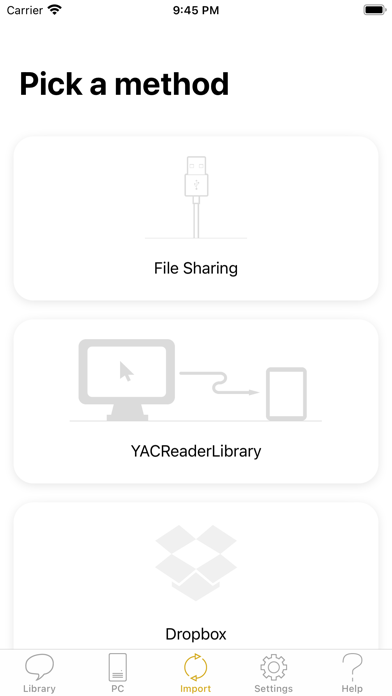
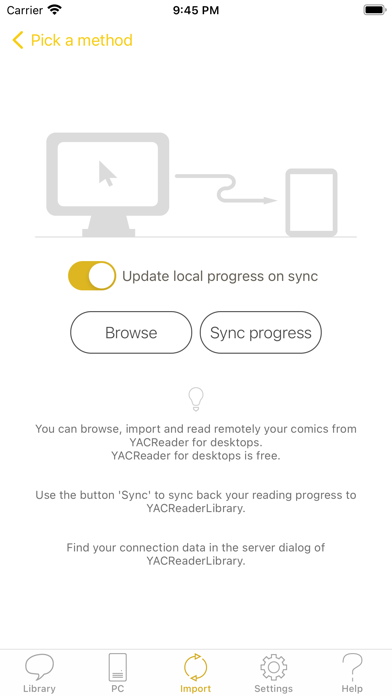
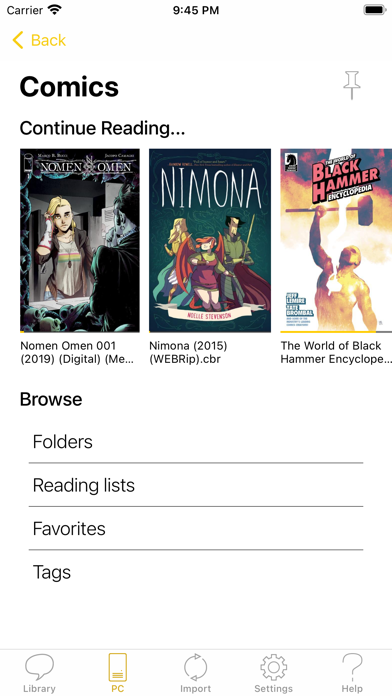
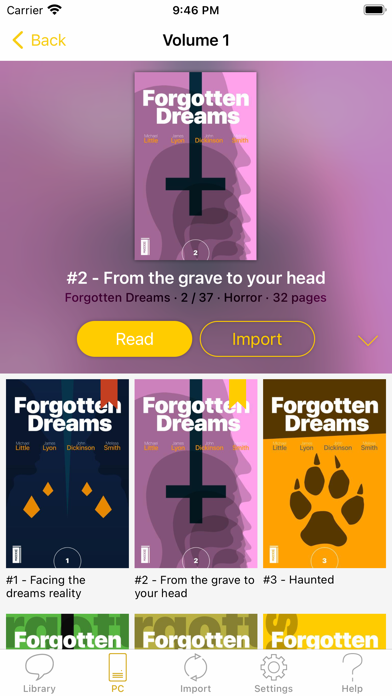
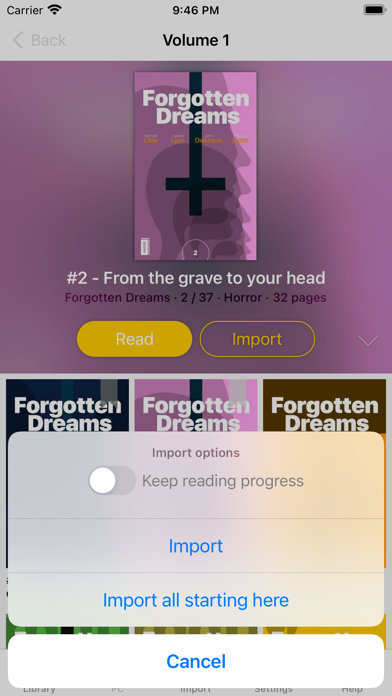
Importing your comics into your iPad, iPhone or iPod Touch has never been easier. You can use your Dropbox, Google Drive, Box and OneDrive account for synchronizing your comics with YACReader. YACReader supports iTunes/Finder File Sharing to copy comics between your computer and YACReader. You can also browse, import ,remote read and sync back the digital comic collections stored in your computer using the desktop version of YACReader (totally free)*. Import comics from any place in your device thanks to the integration with Document Picker.

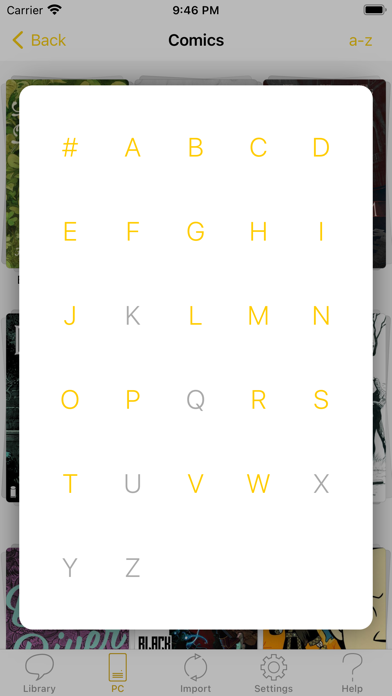
Organize your comic library creating folders and copy, cut, paste or delete comics and folders. YACReader has the easiest method for selecting multiple comics and folders and organize them.

A single tap is all you need to read your comics from start to finish thanks to the built-in YACReader automatic scroll. Enjoy reading comics and do not worry about anything else. Do you like Manga? YACReader supports Manga mode reading and webtoon. Configure your reading experience with various fit modes, single or double page mode, continuous scroll, automatic margins trimming, and several ways to setup the hot areas in the screen.

YACReader is kept updated to support the latest iOS features, such as Widgets, Dark Mode or Split Screen.

Several thousand users manage and read their comics using YACReader in their computers since 2009. Now, you can also enjoy YACReader in your iOS device.

Visit the web site at http://ios.yacreader.com or get support at [email protected]

*Visit the web site of YACReader for computers at http://www.yacreader.com - YACReader for computer is FREE and is available for all major computer platforms.

Find other users and help at: http:www.yacreader.com/forum - Facebook page - http://www.facebook.com/YACReader , Twitter - http://twitter.com/yacreader or the YouTube channel - http://www.youtube.com/user/yacreader.

Changelog

New in this version

- Add three sizes to pick from to configure the navigation grid. Settings -> 'GRID SIZE'."
- New tap mode for turning pages. You can configure the tap gesture to always go forward no mater what part of the screen you touch. You can use a swipe gesture to go back when this mode is enabled.
- The remote browser supports now the list mode. Settings -> 'Show items using a list'
- The remote browser uses now the list mode for the root view of reading lists and tags.
- Option for importing folders from your device storage or external drives.
- "Go to page" view can be now shown swiping from the bottom edge, so it can be used with any fit mode.
- Now the backup process can use any destination folder including external drives and can be accessed from a button in Settings.
- Fix settings screen layout.
- Fixes and stability improvements.

Videos about this app


Warning: Invalid argument supplied for foreach() in /data/wwwroot/appghost.com/show.php on line 413